
Synopsis
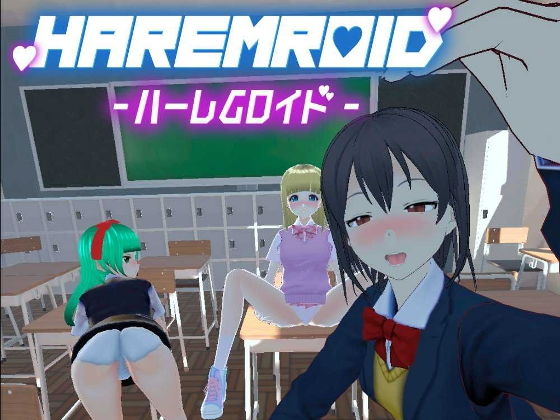
■Game Overview
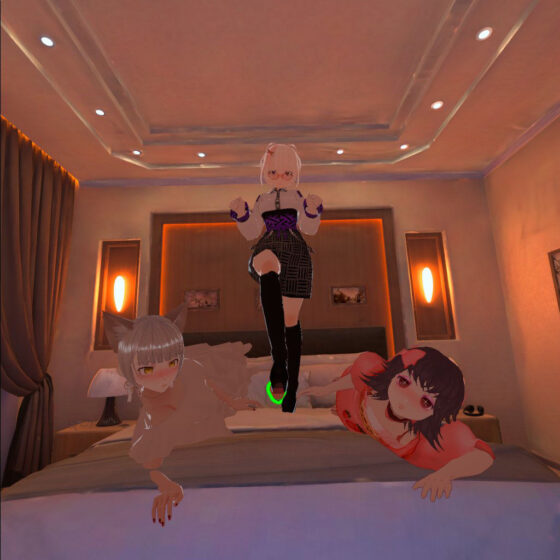
・Create Your Own Harem
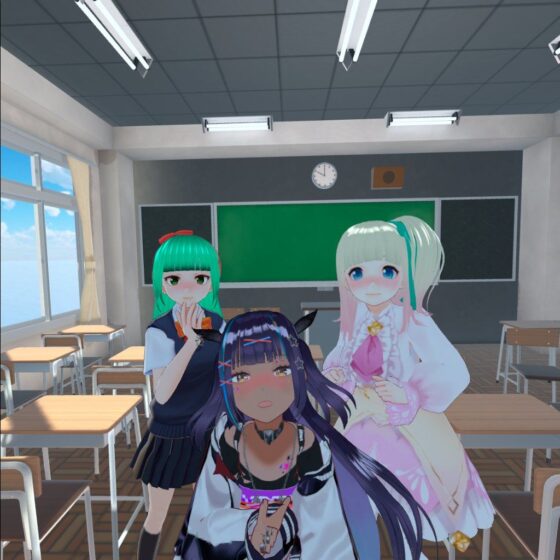
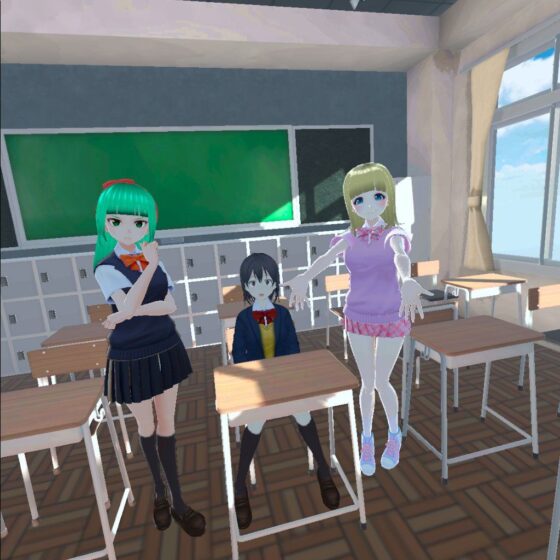
Load your favorite Vroid models and audio files to build your personal harem.
Customize Vroid expressions, voices, animations, positions, and more freely.
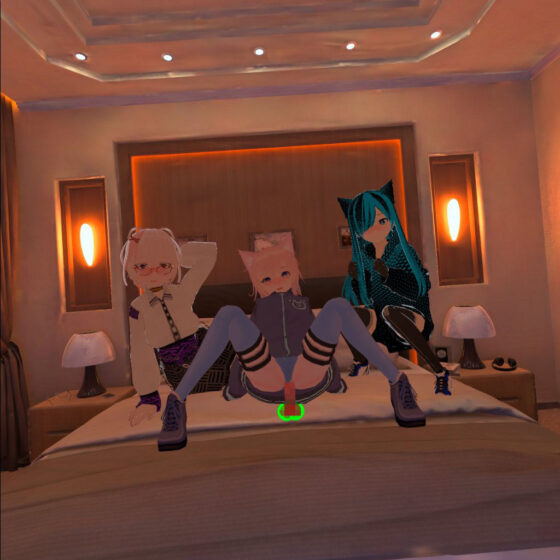
Animations can be synchronized with VR controllers and interactive adult devices.
Save up to 6 custom scenes.
・Multi-Platform Support
Meta Quest 2 standalone
Meta Quest 2 (via Oculus Link)
HTC Vive
All platforms tested and verified
PC desktop compatible
・VR Controller Synchronization
Vroid models respond to your controller movements in real-time.
・Controller Vibration Feedback
Controllers vibrate in sync with Vroid animations.
・Interactive Device Support
PC version supports compatible interactive devices via Buttplug protocol with automatic connection detection. Verified with A10 Cyclone SA.
■Using Your Custom Vroid Models and Audio
〇PC VR
Locate Vroid and audio folders in Data/CustomData within the game EXE directory. Launch and close the game once to generate folders if missing.
〇Meta Quest 2
Locate Vroid and audio folders in Android/Data/com.FussaGames.HaremRoid/files/CustomData. Launch and close the game once to generate folders if missing.
※Note: Some VRM files may not load properly, especially those with modified bone structures or bone names.
Editorial Review
HaremRoid occupies a niche within the VR adult game space that’s grown increasingly competitive: the customization-focused sandbox rather than narrative-driven experience. Unlike traditional visual novels with branching plots, this is architecture for personal fantasy construction, positioning itself alongside other avatar-builder titles but with notably robust technical ambitions.
The customization depth here is genuinely distinctive. Loading Vroid models—the freely available character design tool—into a dedicated adult experience removes gatekeeping around character creation and lets users import their own designs or community assets. Pairing that with custom audio file support, adjustable expressions, animations, and position switching creates a genuinely modular experience. The synchronization layer is where engineering effort shows: real-time controller response, haptic feedback coordination, and Buttplug protocol integration (verified with the A10 Cyclone SA) signal this isn’t a shallow port but a purpose-built platform that treats interactive device compatibility as a core feature rather than afterthought.
Multi-platform testing across Meta Quest 2 standalone, Link mode, HTC Vive, and PC desktop suggests competent cross-compatibility work. The six-scene save capacity indicates they’re thinking about workflow and replayability through variation rather than extensive single-narrative depth.
The tradeoff is obvious: this abandons character development, dialogue, and story progression entirely. You’re building toolkits, not experiencing narratives. Production quality lives or dies on animation smoothness and controller responsiveness—areas where technical competence matters more than it does in traditional visual novels.
This appeals specifically to VR enthusiasts who view adult games as platforms for personalization rather than predetermined fantasy, particularly those with existing Vroid model collections or experience with character creation tools. Collectors of interactive technology and device integration will find the Buttplug support particularly valuable.
Solid technical execution in service of a genuinely different philosophy—not for narrative-seekers, but unusually purposeful within its specialized lane.
Get “HaremRoid – Create Your Own VR” on DLsite
This Week’s Top Rankings:
Interested? Get the free trial here ↓